New gaming creators should prioritize clear audio before expensive video. A reliable microphone, steady camera, simple lighting, and clean setup usually matter more than buying the highest-spec gear first.
TL;DR: The article gives practical steps, common mistakes, and safe ways to apply the topic without overcomplicating it.
Start with the viewer’s experience
A stream is easy to leave when the sound is harsh, the voice is too quiet, or the picture is distracting. New creators often shop for cameras first because video feels visible, but many viewers will tolerate average video longer than painful audio. The better question is not which device looks impressive, but which upgrade makes the stream easier to watch and understand.
Creator guidance from Twitch Creator Camp repeatedly points beginners toward practical audio and video basics, while YouTube Help highlights choosing the correct webcam and microphone before going live. Those basics are enough for most new gaming channels.
Think of gear as a support system for the content. If your commentary, gameplay, and schedule are inconsistent, expensive hardware will not fix the channel. If the content is improving, the right microphone and camera can remove friction for viewers.
Microphone choices that make sense early
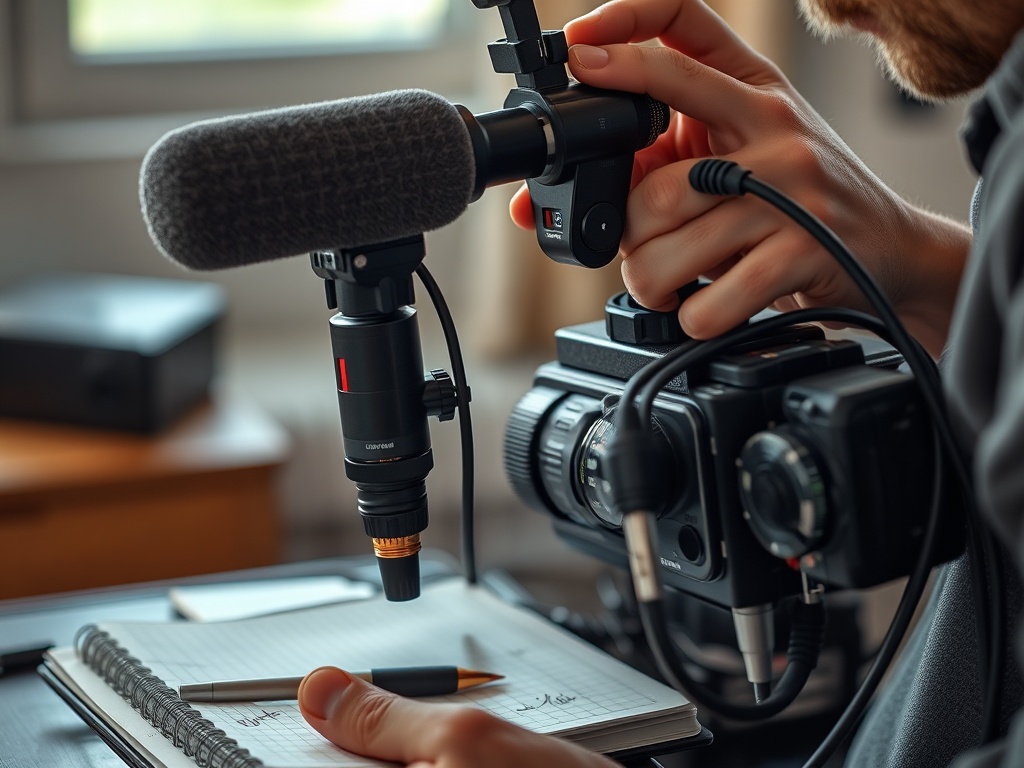
A USB microphone is usually the safest first upgrade because it connects directly to a computer and avoids extra audio interfaces. Look for clear voice pickup, stable desk placement, simple gain control, and a mute option. A headset microphone can work for starting out, but it often sounds thinner than a dedicated mic.
Dynamic microphones reject more room noise, while condenser microphones can sound detailed but may capture keyboard clicks, fans, and echo. For a bedroom or shared space, noise control matters as much as the mic itself. A boom arm, pop filter, and better mic position can improve sound without a major purchase.
Place the mic near the mouth but outside the center of the screen. Turn gain down before adding filters. Record a short test, listen on headphones, and check whether consonants pop or the room rings. Small adjustments beat buying new gear too quickly.
Camera features worth comparing
| Feature | Why it matters | Beginner priority |
|---|---|---|
| Audio clarity | Viewers need to hear you comfortably | High |
| Stable 1080p video | Keeps the face cam clean | Medium |
| Lighting control | Improves any camera | High |
For cameras, resolution is only one feature. A clean 1080p image with stable exposure often looks better than a poorly lit 4K image. Prioritize autofocus reliability, low-light performance, mounting options, software control, and compatibility with your streaming app.
A basic webcam is enough when the creator appears in a small frame beside gameplay. A mirrorless camera or advanced webcam may help for full-screen talking segments, tutorials, or creator-led shows, but it also adds cables, capture settings, batteries, and heat management.
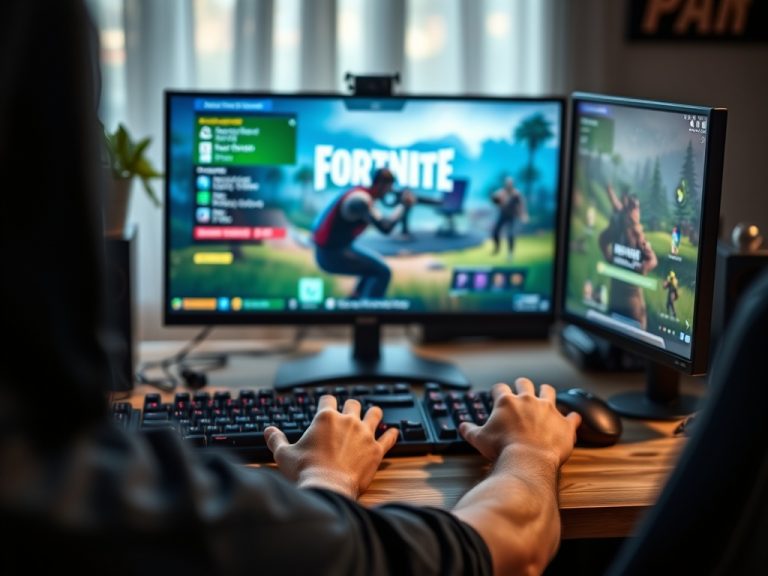
If your channel includes practice breakdowns, the article on Fortnite building and editing drills shows why clarity matters: viewers need to follow decisions, not admire gear. Video should support learning, timing, and personality.
A simple budget ladder
The first tier is no-cost cleanup: reduce room echo, move the mic closer, raise the camera to eye level, and use a soft lamp or window light. The second tier is a USB mic plus stable webcam. The third tier adds a boom arm, better lighting, and audio filters. The fourth tier is for creators with a consistent schedule and audience: higher-end camera, capture card, mixer, or dual-PC setup.
Avoid spending the entire budget on one item. A good mic with bad placement is still weak. A good camera with poor lighting still looks flat. A balanced setup usually wins.
Creators covering local teams or live event recaps can also connect gear choices with community coverage. The guide on supporting local teams and amateur events shows where clear recording, interviews, and respectful event coverage can add value.
Setup checks before every stream
Run a 60-second private recording before going live. Check voice level, game audio balance, camera framing, background clutter, lighting, and internet stability. Keep a short checklist near the desk so the same mistakes do not repeat.
Use the same scene layout for several sessions before changing it. Viewers learn where to look. Consistency also helps you spot technical problems faster.
Upgrade when a real limitation appears. If viewers cannot hear you, fix audio. If the camera hunts focus, fix video. If streams lag, review settings and hardware. Let the channel’s actual friction guide the purchase.
For most new gaming creators, the smartest setup is simple, tested, and easy to repeat. Buy for clarity first, polish second, and status last.